
WhatsApp Business Platform: requirements, message templates and the 24-hour window
How WhatsApp's official API for businesses works: opt-in, approved templates, the 24-hour customer service window, messaging limits and the pricing in force since October 2026.
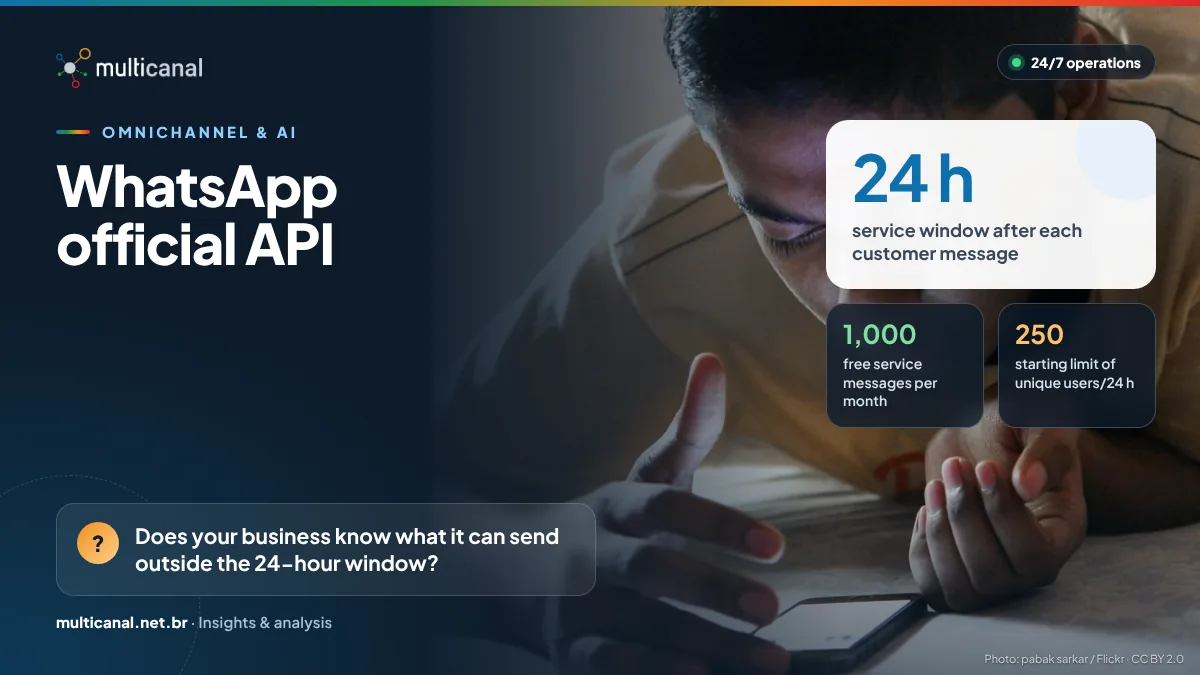
WhatsApp has become a customer service channel for many companies, but operating at scale through the official API takes much more than replying quickly. Consent, Meta-approved templates, the 24-hour window and messaging limits define what can be sent, when and at what cost. Ignoring them means blocked messages, paused templates and annoyed customers.
What the official API is and what it requires
The WhatsApp Business Platform is the official way to connect WhatsApp to customer service systems, CRM and automation. Unlike the WhatsApp Business app, built for use on a phone, it is accessed through an API, directly or via integrated platforms. The starting point includes:
- a Meta business portfolio, a phone number dedicated to the channel and an approved display name;
- consent (opt-in): Meta’s policy only allows contacting people who provided their number and confirmed they want to receive messages from the business;
- honoring every request to block or opt out, whether made on or off WhatsApp;
- a clear path to a human: automation is allowed, but the policy requires prompt, clear and direct escalation paths, such as an in-chat transfer to an agent.
The 24-hour window and message templates
When a customer messages or calls the business on WhatsApp, a customer service window opens: a 24-hour timer that resets with every new message or call from the user. Inside it, the business can reply freely with text, media and buttons. Outside it, it can only start a conversation with previously approved message templates, which fall into three categories that are also used for pricing:
- Marketing: promotional goals, such as offers and campaigns;
- Utility: transactional or informational messages, such as order confirmations, payment reminders or ticket updates;
- Authentication: identity verification codes.
Template review can take up to 24 hours. Templates may be rejected for policy violations and paused when they receive recurring negative feedback or have low read rates. Clear copy, well-defined variables and sending only to people who expect the message are the best protection.
Messaging limits and costs: what has changed
Limits count how many unique users a business can reach outside the customer service window in a rolling 24-hour period. New portfolios start at 250; with business verification or qualifying volume they rise to 2,000 and then scale automatically to 10,000, 100,000 and unlimited, as long as quality stays high and the business uses at least half of its current limit within seven days.
Meta has charged per delivered message since July 1, 2025, with rates by category and country. Since October 1, 2026, service messages (replies inside the window) are charged after a free tier of 1,000 per month per phone number, and utility templates sent inside the window are no longer free. Eligible government and non-profit organizations are an exception. First-contact resolution now matters even more.
And the channel does not suspend the LGPD, Brazil’s data protection law: legal basis, purpose and security apply to every conversation.
Messaging limits are calculated at the business portfolio level, not per number: all numbers of the same company share one quota, and a single number can use up the capacity of all of them.
References and legislation
- WhatsApp Business Messaging Policy · opt-in, opt-out and human escalation — access
- WhatsApp Business Platform pricing · per-message pricing and the October 2026 changes — access
- Messaging limits · tiers from 250 to unlimited — access
- Message templates · categories, review and status — access
- Lei 13.709/2018 (LGPD) · Brazil’s General Personal Data Protection Law — access
We see many operations treat WhatsApp as a cheaper SMS, and it is not: quality and consent govern the channel. We recommend starting with utility templates, with reviewed copy, and measuring blocks and reads from day one.
— Multicanal Content Team · Multicanal Contact CenterHow Multicanal helps: our own OMNI CHANNEL / App Multicanal platform is integrated with WhatsApp Business through Meta’s official flow, and our teams run the channel 24/7 with the other channels.
Discover the OMNI platformKeep reading
Chatbots and generative AI in service: what to automate and what never to automate
Automation cuts waiting time and cost, but it has legal and practical limits. See where bots and generative AI help and where decisions must stay with…
ISO/IEC 42001: applying AI governance to customer service
The international AI management system standard helps companies use chatbots, speech analytics and assistants with risk control, transparency and human oversight.
Smart IVR and speech recognition: less friction on the phone channel
Long menus and repeated requests drive customers away. See how natural-language IVR, Brazil's SAC Decree rules and care with voice biometrics reduce friction.